

 Wise
Wise Braze
Braze Webhooks




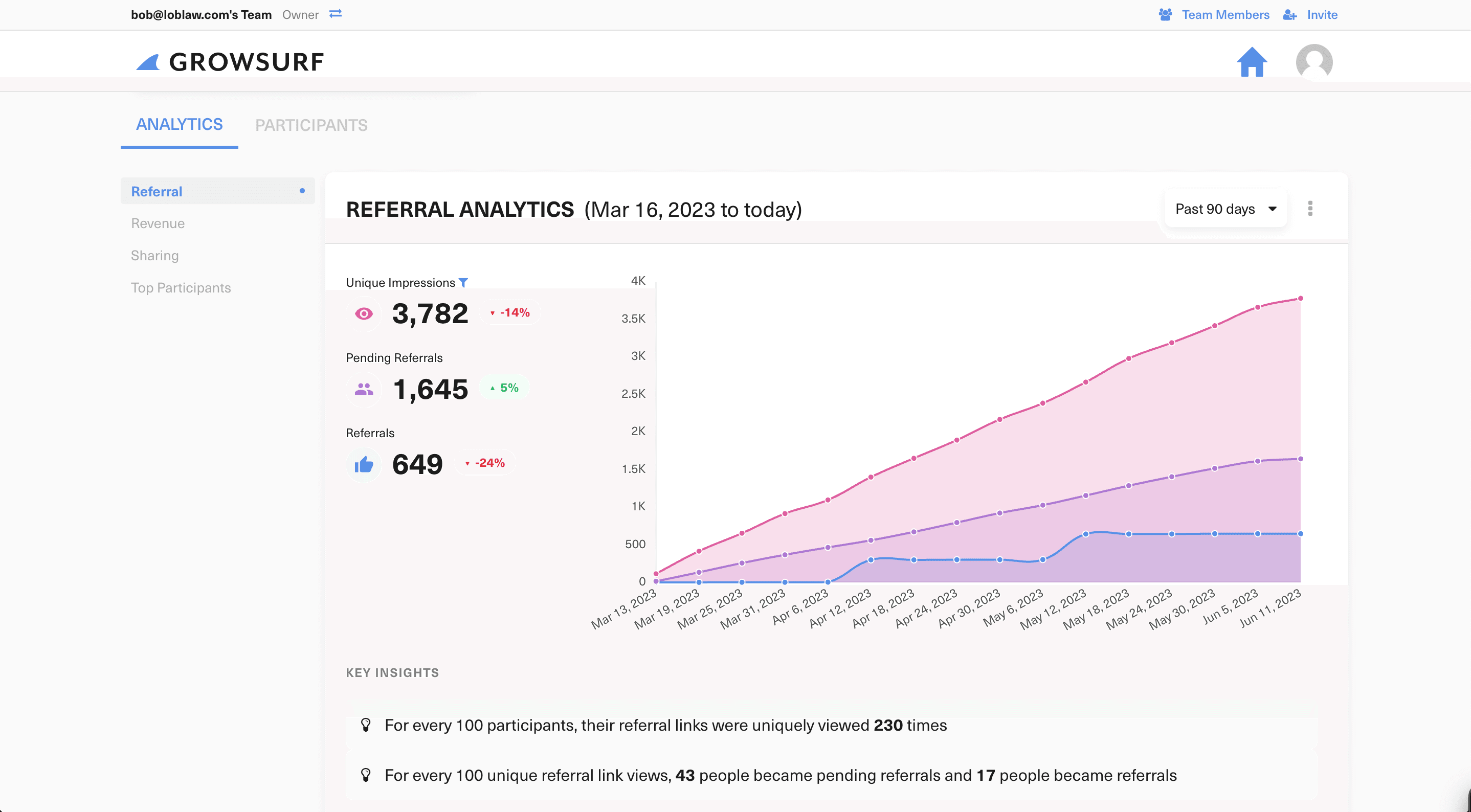

<script type='text/javascript'>
    (function(g,r,s,f){g.grsfSettings={campaignId:'45hxmj',version:'2.0.0'};s=r.getElementsByTagName('head')[0];f=r.createElement('script');f.async=1;f.src='https://app.growsurf.com/growsurf.js'+'?v='+g.grsfSettings.version;f.setAttribute('grsf-campaign', g.grsfSettings.campaignId);!g.grsfInit?s.appendChild(f):';})(window,document);
</script>
See how a friend follows a referral link and signs up in your app.


The message and download sequence is illustrated. The signup is recorded in the app. Your referral action and rewards depend on your program.
if let url {
    try await growsurf.handleDeepLink(url)
}
import GrowSurfBranchAttribution

// Forward your provider's deferred deep link (Branch shown; Adjust, AppsFlyer, and Singular work the same)
try await GrowSurfBranchAttribution.handle(branchParams, sdk: growsurf)
intent.data?.let { uri ->
    growsurf.handleDeepLink(uri)
}
lifecycleScope.launch {
    // Native: read the Google Play Install Referrer
    growsurf.handleDeferredDeepLink()

    // Or forward an attribution provider's data (Branch, Adjust, AppsFlyer, Singular)
    GrowSurfBranchAttribution.handle(branchParams, growsurf)
}
addReferredParticipant(). The SDK validates the saved attribution and only creates the participant when the referral code is valid.// Only creates a referred participant if the referral code is valid
let created = try await growsurf.addReferredParticipant(
.init(
email: "gavin@hooli.com",
firstName: "Gavin",
lastName: "Belson",
metadata: ["subscriptionPlan": "Pro"] // Optional, saved as participant metadata
)
)
let participant = created.participant
// Only creates a referred participant if the referral code is valid
val created = growsurf.addReferredParticipant(
    GrowSurfParticipantInput(
        email = "gavin@hooli.com",
        firstName = "Gavin",
        lastName = "Belson",
        metadata = mapOf("subscriptionPlan" to "Pro"), // Optional, saved as participant metadata
    )
)

val participant = created.participant











Example button code:
<a class="growsurf-window-open"
   data-grsf-email="gavin@hooli.com"
   data-grsf-first-name="Gavin"
   data-grsf-last-name="Belson">

    Refer a friend

</a>

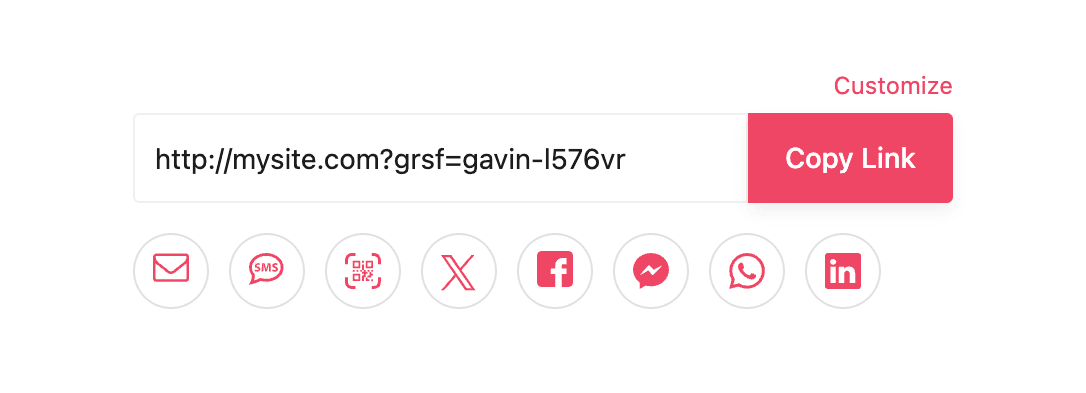
Example embed code:
<div data-grsf-block-form
   data-grsf-email="gavin@hooli.com"
   data-grsf-first-name="Gavin"
   data-grsf-last-name="Belson"
></div>
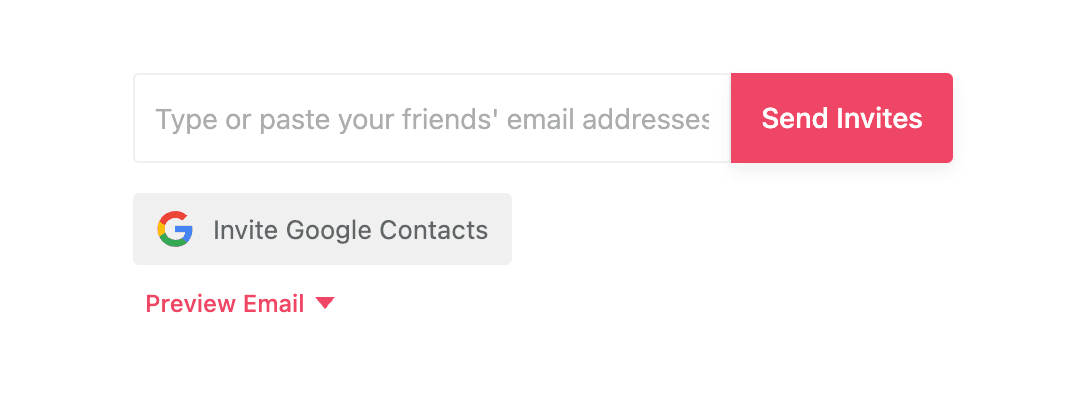
Example embed code:
<div data-grsf-block-invite></div>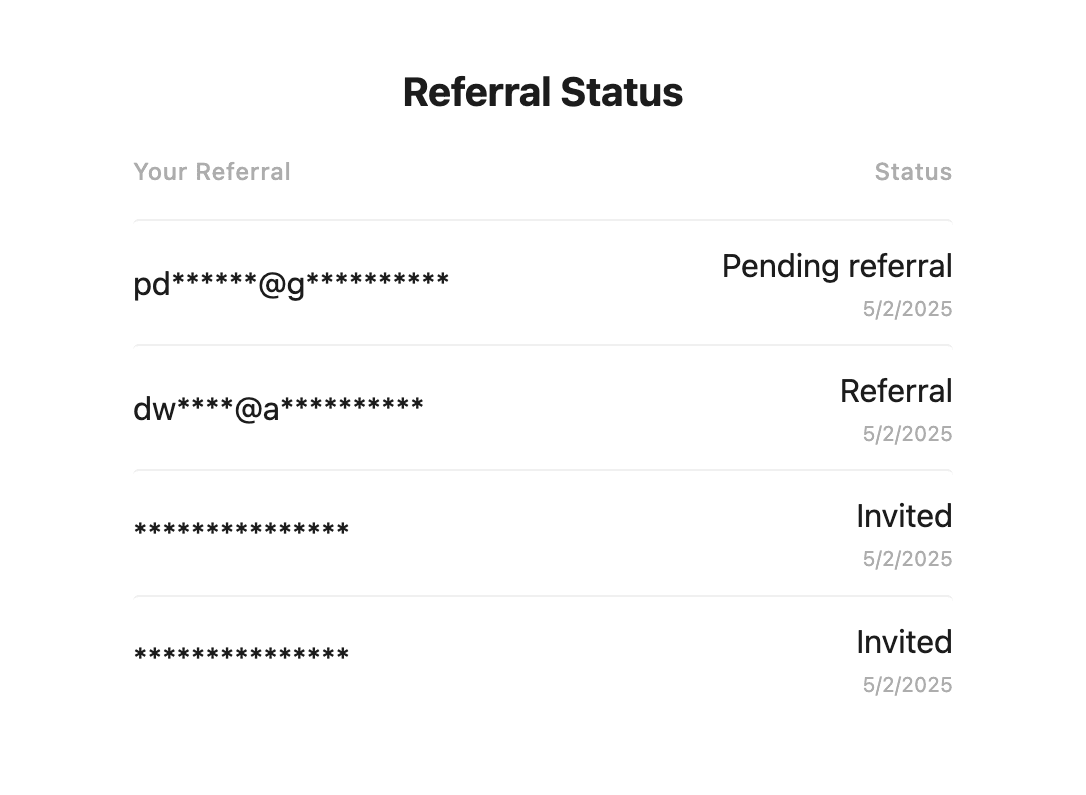
Example embed code:
<div data-grsf-block-referral-status></div>presentGrowSurfWindow() and pass a participant token so GrowSurf knows whose details to show.See how customers share their referral link and check referrals and rewards.


Example code:
growsurf.presentGrowSurfWindow(
    from: viewController,
    identity: .existingParticipantToken(participantToken)
)
growsurf.presentGrowSurfWindow(
    activity = this,
    identity = GrowSurfWindowIdentity.ExistingParticipantToken(participantToken)
)



















 and other assistants that can browse the web and call APIs
Help me create a GrowSurf referral or affiliate program. Start by reading https://growsurf.com/agent-start.md and follow it as the source of truth. Use your action-capable tools and the GrowSurf REST API to create and configure the program; do not require a dashboard visit or an existing GrowSurf account or API key. If you can speak MCP, connect to https://mcp.growsurf.com/onboard, which needs no credentials, and use growsurf_program_design_advisor for the design. Consult https://growsurf.com/openapi.json, https://growsurf.com/arazzo.yaml, https://growsurf.com/auth.md, https://growsurf.com/llms.txt, and the linked GrowSurf docs when useful. Ask me for my website first. Read it, then come back with a complete recommended program: what counts as a referral, the reward structure, who gets rewarded, and where people share. Ask me what I want to change instead of interviewing me setting by setting. Do not pick a reward amount or commission rate yourself. Ask what a converted customer is worth to me, and leave rewards switched off until I confirm the amount and how it gets paid. Show me and ask for explicit approval of the current GrowSurf Terms of Service and Privacy Policy before accepting them or creating an account. Pause for me to verify my email before protected API requests. Treat the returned API key as a secret and keep it out of chat, logs, screenshots, source files, and shell history. Create and configure the program as DRAFT. Read back the saved resources and summarize what is ready for review. Do not launch or resume the program, add payment details, accept charges, enable or fulfill rewards or commissions, initiate payouts, rotate keys, delete data, or edit or deploy my website or app without separate explicit approval. If you cannot fetch the linked resources or send HTTPS requests, or you have no secret store that survives between turns, do not create the account, do not offer to generate cURL or scripts, and do not plan the program. Reply with only this: "I can't make web requests from here. Sign up at https://app.growsurf.com/signup (free, no card), then connect an AI assistant in Settings → AI Connections at https://app.growsurf.com/settings#ai-connections and paste this prompt again." Never claim that you executed the workflow.
Help me create a GrowSurf referral or affiliate program. Start by reading https://growsurf.com/agent-start.md and follow it as the source of truth.
Happy to help. What’s the website for your business?
yourbrand.com
Web browserRead yourbrand.com Complete
Here’s the program I recommend for yourbrand.com:
- Who shares
- Your current customers
- Counts when
- A friend subscribes to a paid plan
- Reward
- Account credit for both of them
- Where
- A referral widget inside your app
Want to change anything? And how much credit should each person get?
Looks good. Make it $20 credit each.
Got it. I’ll create your GrowSurf account now.
GrowSurf APICreate GrowSurf account Complete
Next, I just need you to verify your GrowSurf account. Click the link in your inbox, then come back here.
Open GmailDone
Thanks — I’ll finish your program now.
GrowSurf APIBuild referral program Complete
Your draft referral program is ready for review.
- Built Refer a Friend from a program template
- Set $20 credit for the referrer and the friend
- Saved the program as a draft for approval
Here's what your customers will see:
Share your link. When a friend subscribes, you both get credit.
yourbrand.com/r/jordan-tCopyLast step: connect GrowSurf to your product.
Three things. Install the code, tell GrowSurf when a referral counts, and pick how rewards get delivered.
- 1Install the GrowSurf Universal CodeOne script on your site
- 2Tell GrowSurf when a referral countsNo code, JavaScript, or REST API
- 3Deliver the rewardsPick how rewards get handed out
- 4Give participants somewhere to grab their linkThe referral portal
- Added the GrowSurf script to your site
- Wired your signup form to count referrals
- Embedded the referral portal in your account page
Prefer to write the code yourself? See the four installation steps under Do it yourself →